
Comprehensive services for Google GMS Keys/Google Keys and Widevine Keys, including application, flashing, splitting, testing, rewriting, and porting
We has built a mature and stable test environment for Google GMS and Widevine, which has been validated by numerous projects. We have a team of professional test engineers and R&D engineers, providing a full range of technical services related to Google GMS Keys and Widevine Keys for clients all year round. With nearly a decade of experience in Google ecosystem businesses, we have assisted many enterprises across smart TVs, automotive electronics, tablets, mobile phones, video service providers and other sectors in successfully obtaining GMS and Widevine certifications, as well as a large volume of keys. Meanwhile, we offer testing services for YouTube, Netflix and Prime Video.
Many enterprises frequently encounter the following issues during mass production, certification application, system upgrades or hardware modifications:
- How to apply for Google Keys?
- How to complete Widevine L1 certification?
- How to securely flash keys onto devices?
- Can keys be migrated after replacing the device mainboard?
- How to split and import keys in batches for factory mass production?
- How to verify whether keys are flashed successfully?
- Are GMS certification failures related to keys?
To address the above challenges, we deliver endtoend technical services for Google GMS Keys and Widevine Keys, helping clients streamline relevant work from R&D to testing and certification phases.
Application Services for Google GMS Keys & Widevine Keys
If your devices meet certification requirements, please contact us to apply for GMS (EDLA & MADA certification) and Widevine certification. Our team can assist you in applying for Google GMS Keys and Widevine Keys.
If your devices run outdated Android versions or fail to meet the hardware requirements for GMS certification, we can provide standalone Widevine L1 certification application services, and you may obtain exclusive Widevine L1 Keys after certification approval. If you need to apply for both types of keys but your device version or hardware cannot satisfy the certification criteria, please reach out to us for customized solutions.
Application Process
Please provide the following device attributes to us: `ro.product.model` (Model Name), `ro.product.name` (Product Name), `ro.product.brand` (Brand Name), `ro.product.device` (Device Name) and `ro.product.manufacturer`.
After verifying the correct configuration of these parameters, we will initiate the project and execute the `GtsEdiHostTestCases` test suite. Once the test report is submitted, you may apply for key files corresponding to the designated Device Name (GMS Attestation Keys and Widevine Keys are optional). You are required to upload a TXT file named with the Device Name plus serial numbers, for example: AAA0000000AAA1000000.

Specifications of Google GMS Keys / Google Keys
Google Keys are also known as Attestation Keys or Android Attestation Keys. A device will be marked as certified only after the key is flashed. In essence, the Google Key acts as the credential to verify a device’s certification status. Screenshots of Google GMS Keys are shown below.

Specifications of DRM Widevine Keys
Widevine Keys are essential for devices that need to support streaming platforms including Netflix, Disney+, Prime Video and YouTube. As Google continuously tightens security requirements for its latest certification policies, Widevine L1 Keys have become a standard configuration for an increasing number of products.
To protect video content security, these streaming platforms mandate that devices such as tablets and mobile phones must adopt Widevine L1level encryption to play HD and even 4K videos.
Note that Widevine L3 requires no keys or flashing operations. Only Widevine L1 is equipped with dedicated keys.
For Widevine L1 with Provisioning 2.0 encryption: It requires applying for a KEYBOX file and flashing it to devices, same as Google Keys.
For the latest Provisioning 4.0 encryption: You only need to export device information as a BCC file and upload it to the server. The key will take effect automatically once the device connects to the network.
Screenshots of Provisioning 2.0 Widevine L1 Key information are attached below.

GMS & Widevine Key Flashing and Splitting Services
After clients complete key application in the R&D, testing and certification phase of GMS and Widevine projects, we will provide decrypted bulk key files. Based on mass production demands, we split the original key files via tools provided by each SoC platform, and generate unique individual key files for every device to satisfy independent identity authentication.
We utilize official tools for mainstream platforms including RK, MTK and Qualcomm to confirm operation procedures, troubleshoot anomalies, complete key flashing and format adaptation. This ensures keys work properly on devices and devices pass subsequent GMS and Widevine tests. The key writing tool for RK projects is displayed below.

GMS & Widevine Test Keys & Production Keys
Functionally, Google GMS test keys are identical to official production keys, and there is no strict distinction between the two. You may apply for test keys separately, or apply for a large batch of keys (e.g. 100,000 keys) in one go. It is common practice to reserve keys numbered 0 to 10 for testing purposes. Please ensure these reserved keys are not used on mass-production devices; they can be reused on test devices during development and debugging.
For Widevine, a limited number of test keys (generally 1 to 200 units) are available prior to certification. Official production keys will be issued after certification approval, which must be flashed to devices for formal production.
-
Notification on the Deadline for Google Widevine L1 DRM Certification Applications for Android 11 and 12
Due to Google Widevine‘s latest security and policy upgrades — aimed at ensuring the security and compliance of the digital rights management (DRM) ecosystem — Google has now officially terminated the acceptance of new Widevine L1 DRM certification applications for Android 11, Android 12, and all lower versions. The minimum currently acceptable version is Android 13.2026-08-07
-
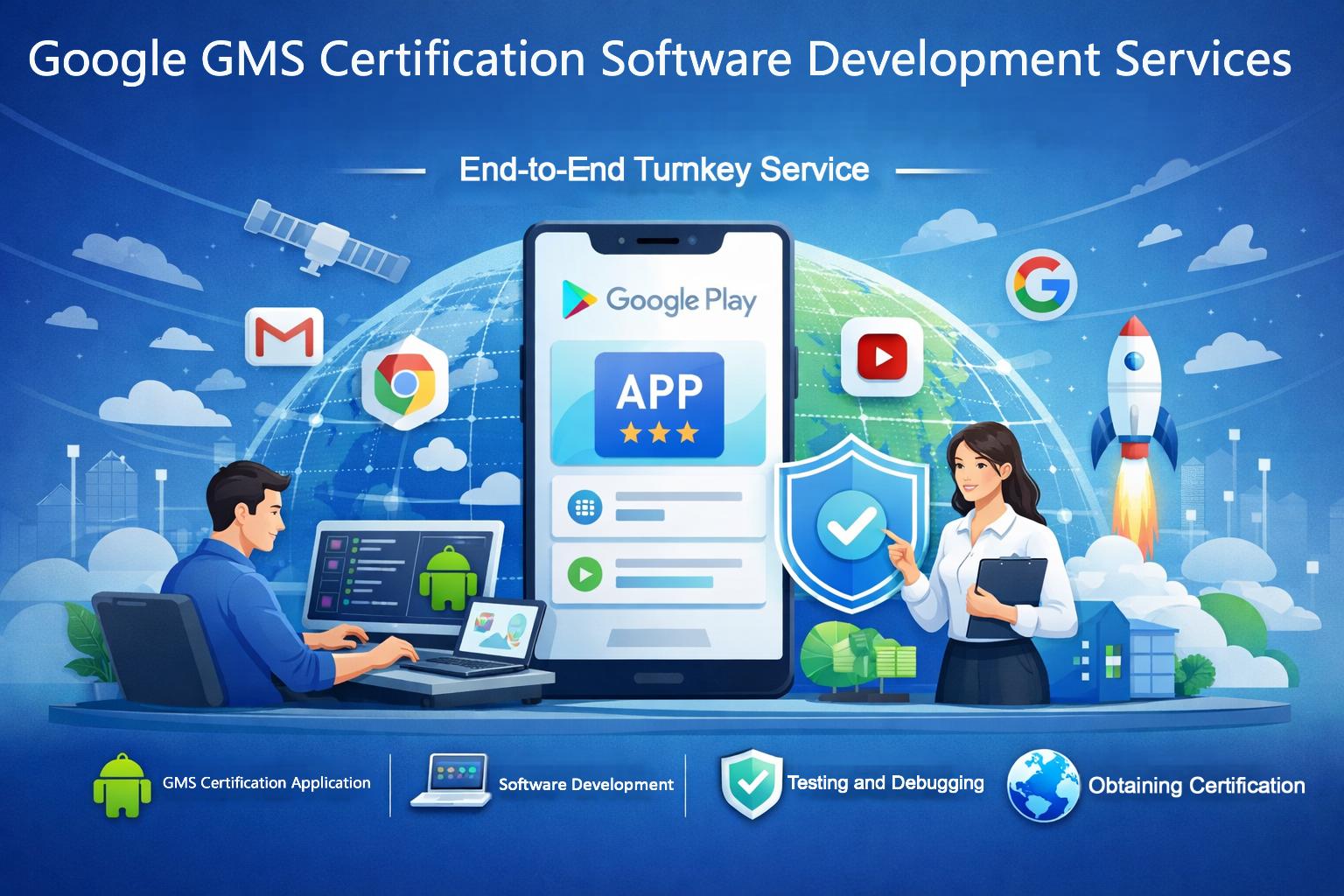
Google GMS Certification Software Development Services: Is GMS certification difficult? From testing to debugging, we offer a ‘one-stop, all-inclusive’ service
Android device manufacturers frequently encounter challenges during the Google GMS certification process, particularly regarding the complexity of bug fixes and delays in the certification cycle. As Android versions are updated, certification requirements become increasingly stringent.By offering a comprehensive, one-stop service covering everything from authorisation and testing to bug fixes and final certification.2026-07-23
-

Comprehensive services for Google GMS Keys/Google Keys and Widevine Keys, including application, flashing, splitting, testing, rewriting, and porting
Many enterprises frequently encounter the following issues during mass production, certification application, system upgrades or hardware modifications:
How to apply for Google Keys?
How to complete Widevine L1 certification?
How to securely flash keys onto devices?
Can keys be migrated after replacing the device mainboard?
How to split and import keys in batches for factory mass production?
How to verify whether keys are flashed successfully
Are GMS certification failures related to keys2026-06-13
-

Google Android Digital Car Key Testing and Certification Service
Google Android's Digital Car Key certification is based on the CCC (Car Connectivity Consortium) Digital Key global standard. As a core member of the CCC, Google recognizes this certification and supports product integration with Google Wallet. Additionally, there are specific requirements for in-vehicle systems when used with Google Android devices.2026-04-01
-

Google Works with Google Home/WWGH Certified Service
The “Works with Google Home” (WWGH) certification is an official device compatibility program launched by Google. It is designed to ensure that third-party smart hardware integrates seamlessly with the Google Home ecosystem and supports management via Google Assistant voice control and the Home app.2026-04-01